Developer tool · Component library
Motion Component Library
A browsable library I designed and built for 300+ motion components: watch each one on a frame-accurate player, run it live in the browser, read the full source and download it, all generated from a folder of files by one command.
- Design systems
- Media & video UX
- Build tooling
- Edge streaming
- Search & filtering
- Automated QA
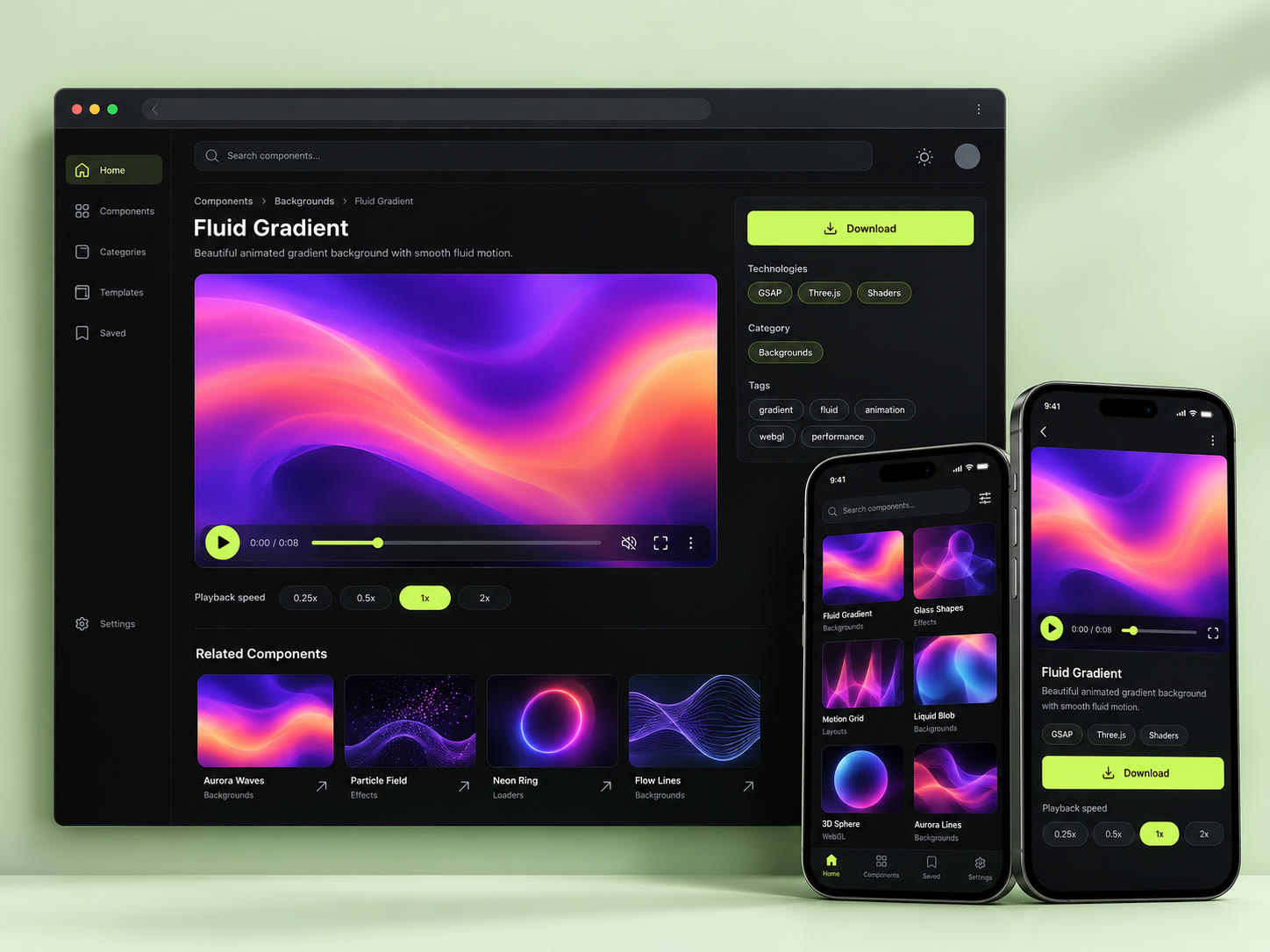
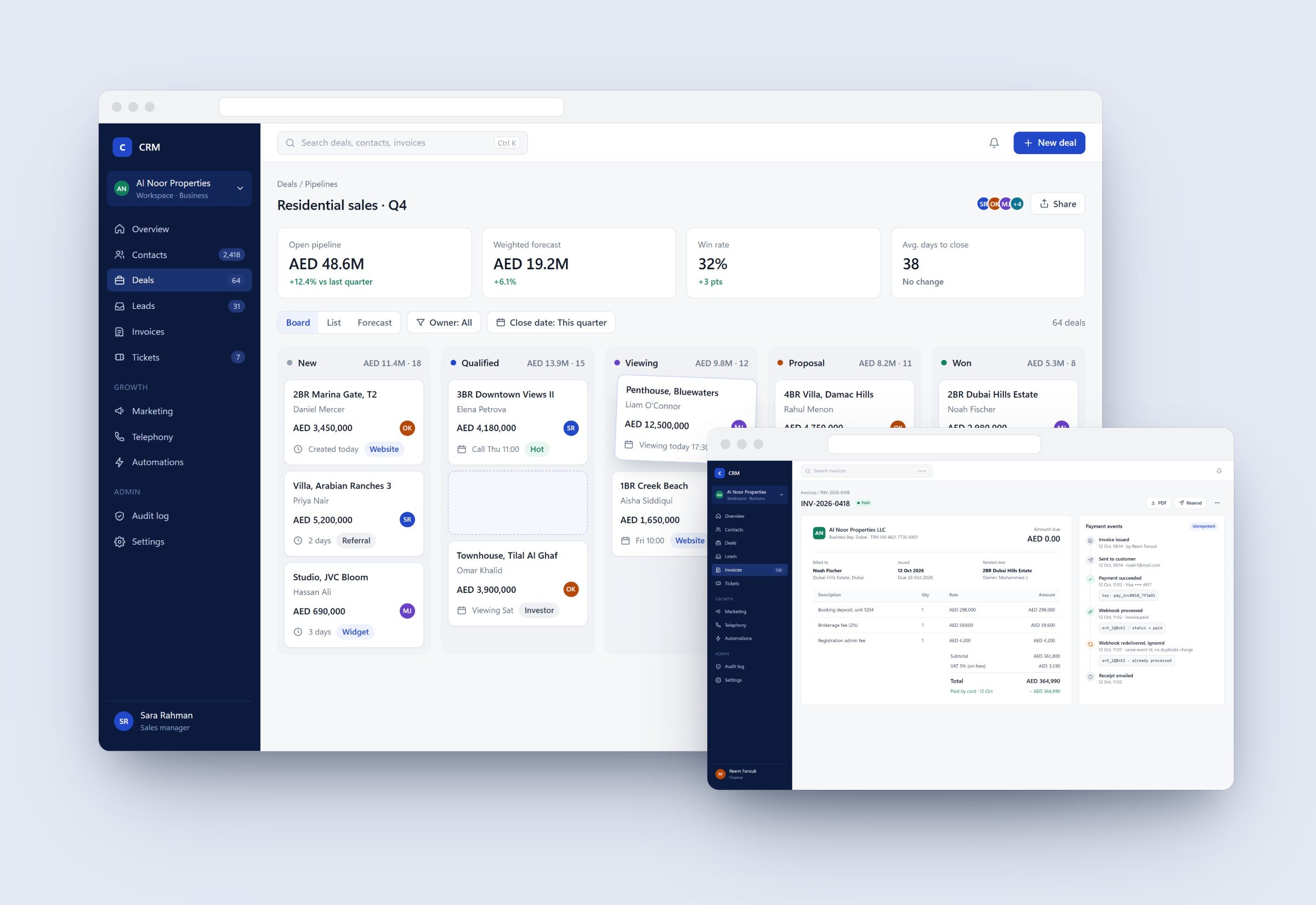
Product screens with sample data. Names and figures inside the screens are illustrative.
The problem
Motion effects are hard to judge from a screenshot and slow to adopt: you can't tell how one feels, what it depends on, or whether it runs, until you've unzipped it and installed packages. Hundreds of folders of videos and zips needed to become something a developer could browse, trust and ship from in minutes.
- 303
- Components in 14 categories
- 247
- Live demos in the browser
- 1 cmd
- Rebuilds the whole catalog
What I built
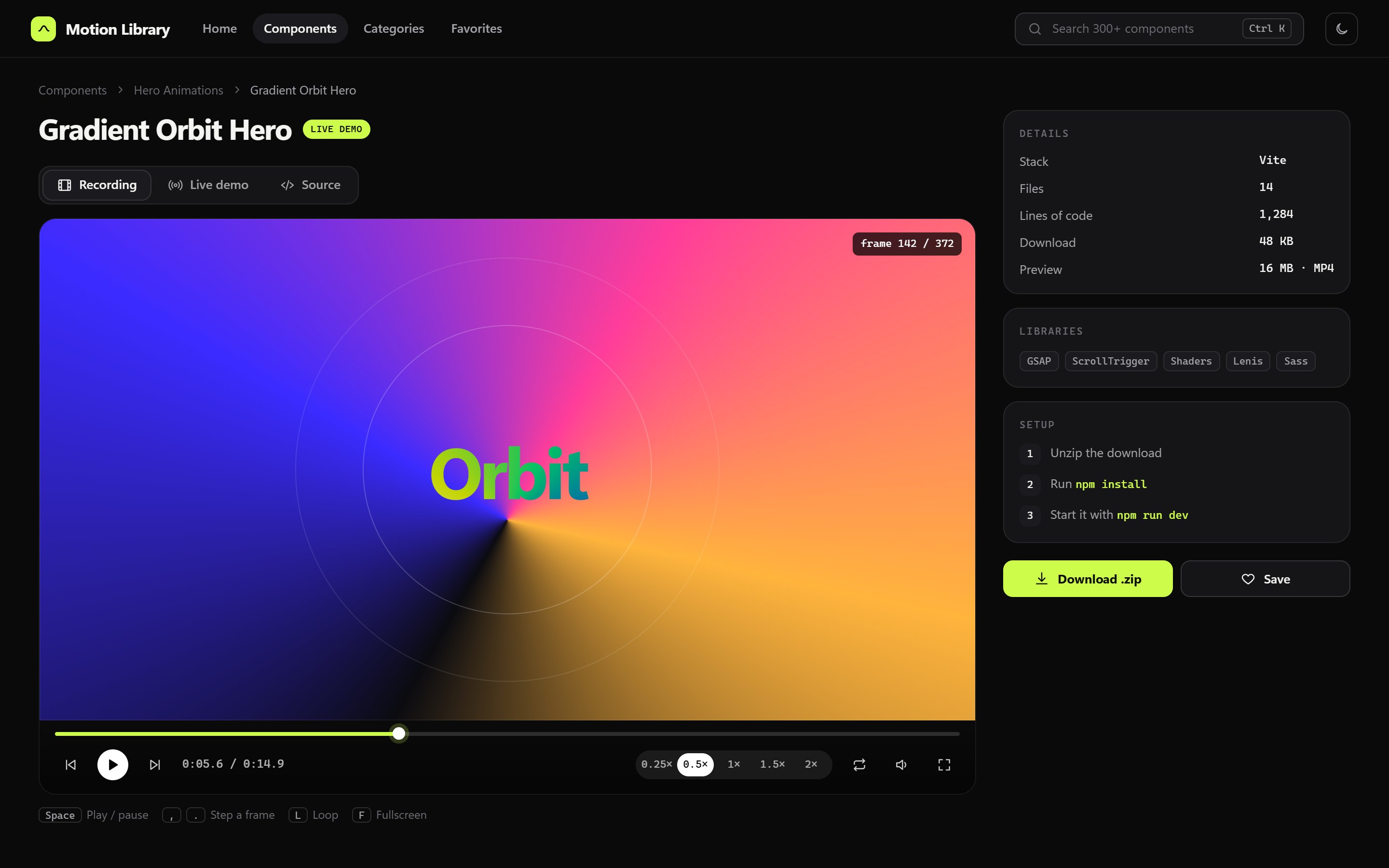
Watch it move, frame by frame
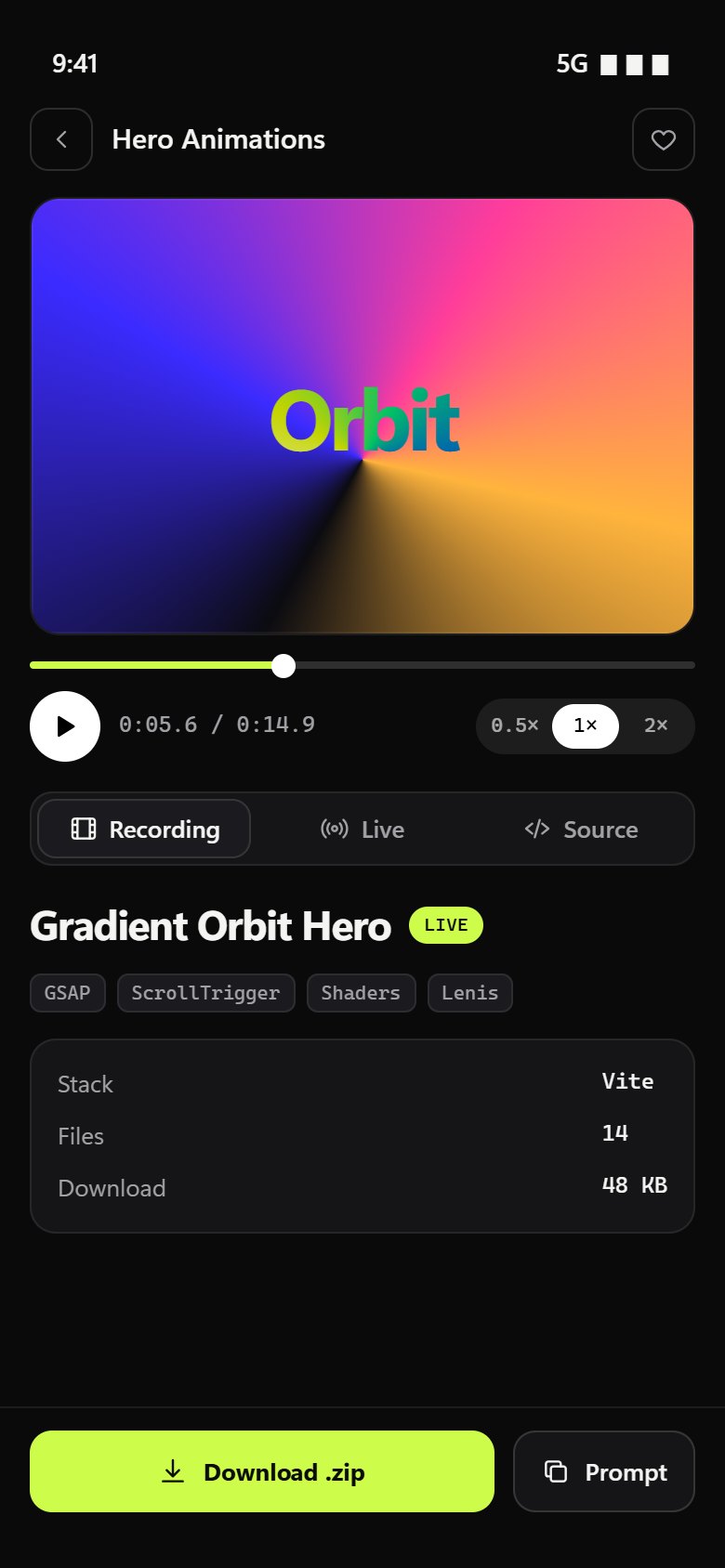
Every component has a full-quality recording with a custom player: slow motion from 0.25× to 2×, single-frame stepping, looping and keyboard shortcuts, so you can study an easing curve instead of guessing at it.
- Space, comma, period, L and F shortcuts
- Light preview clips on cards that play on hover
- Posters generated once, for new videos only
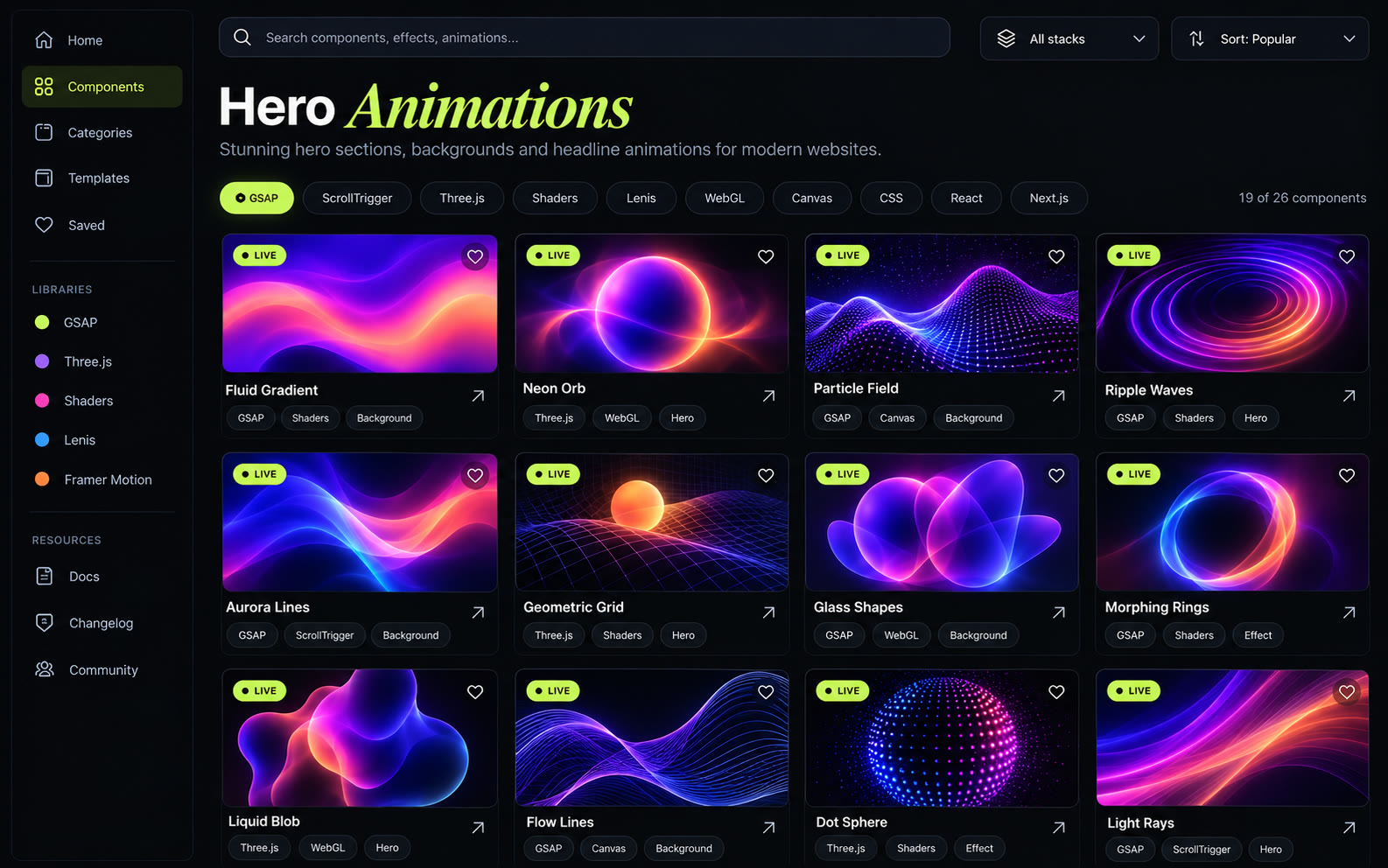
Find the effect by feeling
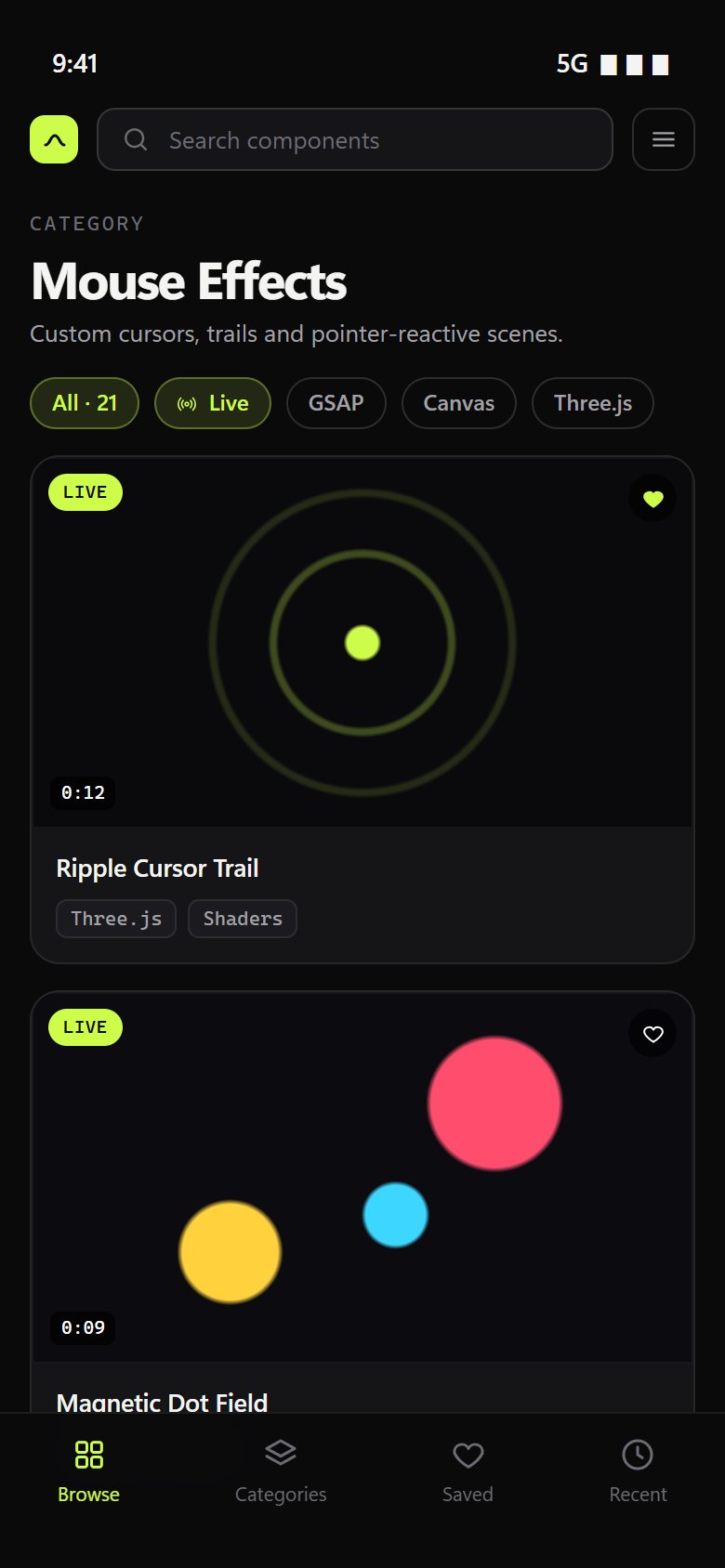
Fourteen categories from hero animations to WebGL, with filters for stack and library, a live-demos-only switch, sorting, a Ctrl K command palette, favourites and recently viewed.
Read the real source
The full project tree opens with syntax highlighting. Copy a single file, or copy the whole project as one prompt to hand to an AI assistant, or download the original zip with setup steps matched to its stack.
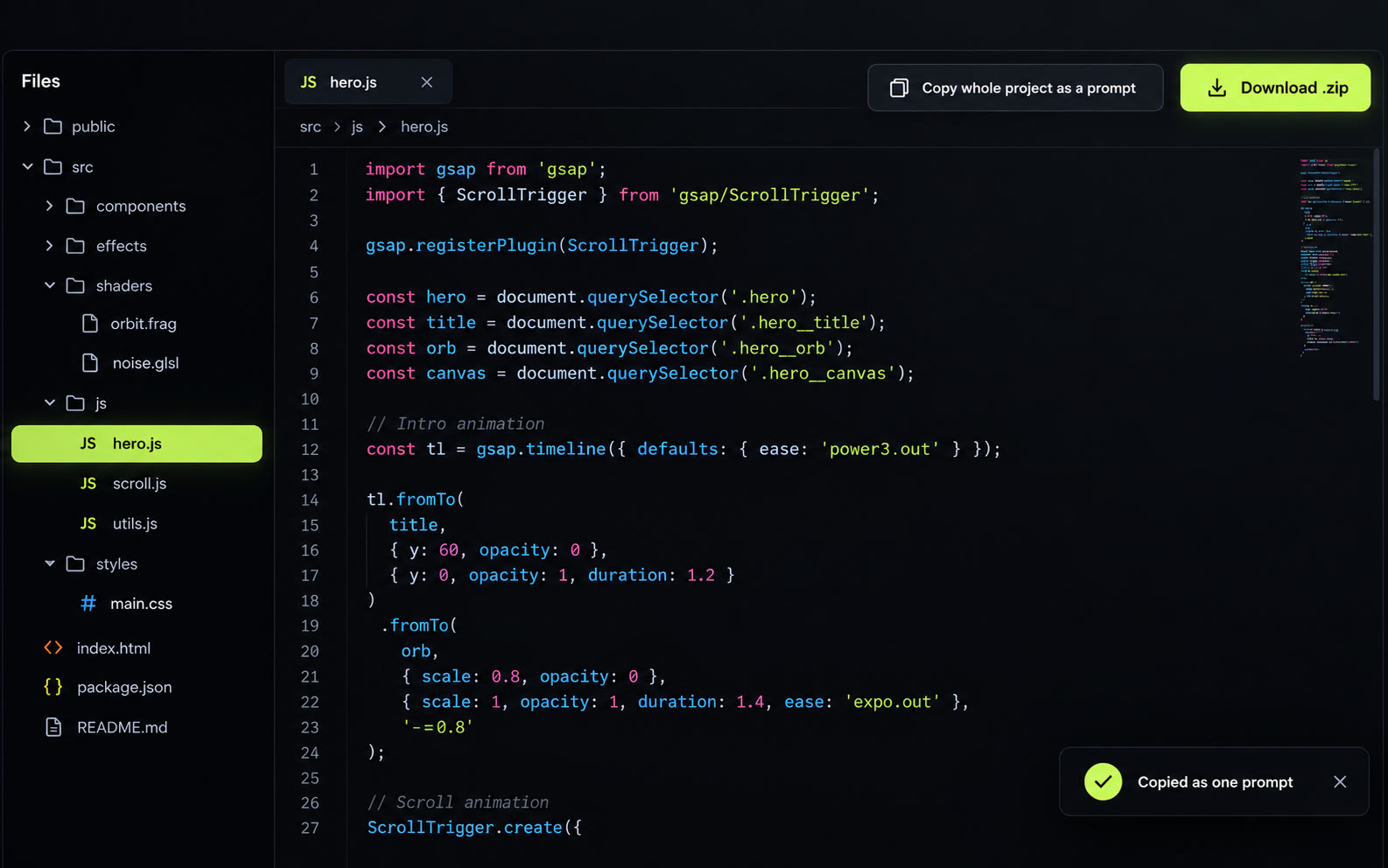
Run it without installing anything
247 components open as live demos right in the page. Fragments are wrapped into full pages, and Vite projects get an import map so GSAP, Three.js and Lenis load from a CDN.
- Vite-only features rewritten to run in a plain browser
- Prebuilt exports used as they are
- Projects that need a real build stay video-only
Just as good on a phone
The same library works on mobile: a thumb-reach tab bar, filter chips, a sticky download bar and a player that keeps its controls.
03 Advanced engineering
A folder in, a whole library out
There's no CMS and no database. Adding a component means dropping in a folder; one command reads it, works out what it is, builds what the site needs and checks that it runs.
- 01Scan folders by category
- 02Read each zip: title, stack, libraries
- 03Write live demos
- 04Make posters and preview clips
- 05Write catalog.json
- 06Open every live demo in a real browser
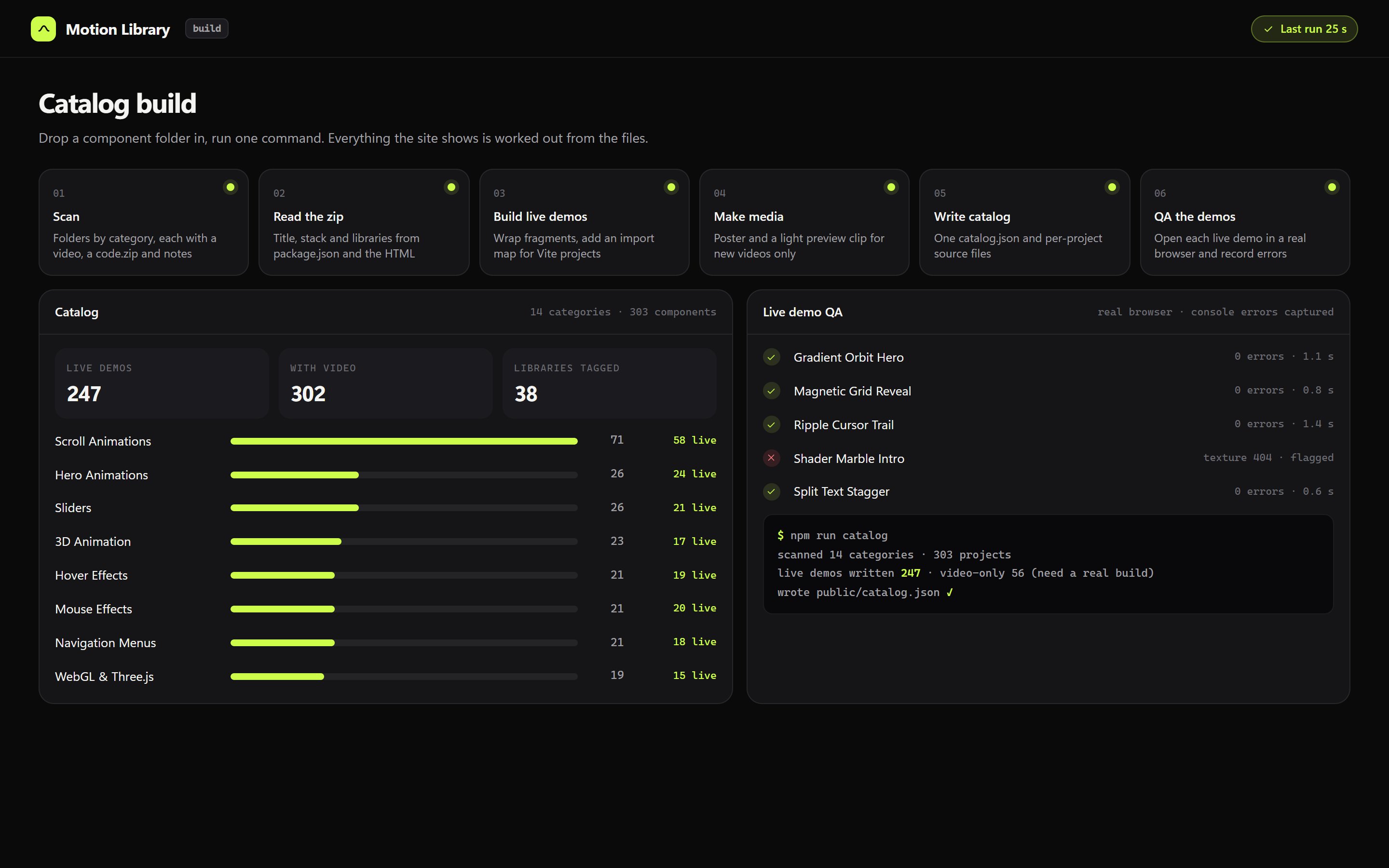
Build view with sample output.
Metadata from the files themselves
Titles come from the folder, package.json, the HTML title or the README; the stack and library tags (GSAP, Three.js, ScrollTrigger, Lenis, shaders) are detected from the code.
Setup steps that match the stack
Plain HTML, Vite, React and Next.js projects each get their own instructions, so a download never starts with guesswork.
Large media streamed from the edge
Videos, zips and demos live in object storage and a Worker streams them with range requests, so scrubbing a 16 MB recording is instant and caching is long-lived.
Resumable uploads
Large files go up in multipart pieces behind a token, and an interrupted upload picks up where it stopped.
Only redo what changed
Posters and preview clips are generated for new videos only, so a full rebuild stays around half a minute.
Automated demo QA
A script opens each live demo in a real browser, records console errors and flags the ones that break, so broken demos are found before visitors find them.
- Front end
- React 19 · Vite · Tailwind · React Router
- Player
- Custom · 0.25–2× · frame stepping
- Source viewer
- Shiki highlighting · copy as prompt
- Catalog
- 303 components · 14 categories
- Live demos
- 247 · import-map and CDN runtime
- Delivery
- Cloudflare Workers · R2 · range requests
- Tooling
- Node scripts · ffmpeg · Playwright QA
- Preferences
- Favourites, recents, theme in local storage
Key decisions
Files are the source of truth
No admin panel to keep in sync: the catalog is rebuilt from the folders, so it can never drift from what's on disk.
Show the motion, not a screenshot
A player built for studying movement matters more than a gallery, because the whole point is how something feels.
Degrade honestly
Anything that can't run in a browser without a build says so and stays video-only, rather than showing a broken demo.